Cortex AI Backend Theme: Customizable Odoo Theme with AI Assistant app icon

Cortex AI Backend Theme: Customizable Odoo Theme with AI Assistant

A modern Odoo backend you can shape in minutes, with AI built in.

AI-powered, fully customizable backend theme for Odoo Community: 100+ settings with live preview, 24 presets, dark mode with 6 palettes, sidebar or top menu, custom app icons, login page designer, quick dock and split view. RTL and mobile ready.

  • Odoo 18.0
  • Odoo 19.0
  • Odoo 20.0
Availableon Odoo Apps

$49one-time

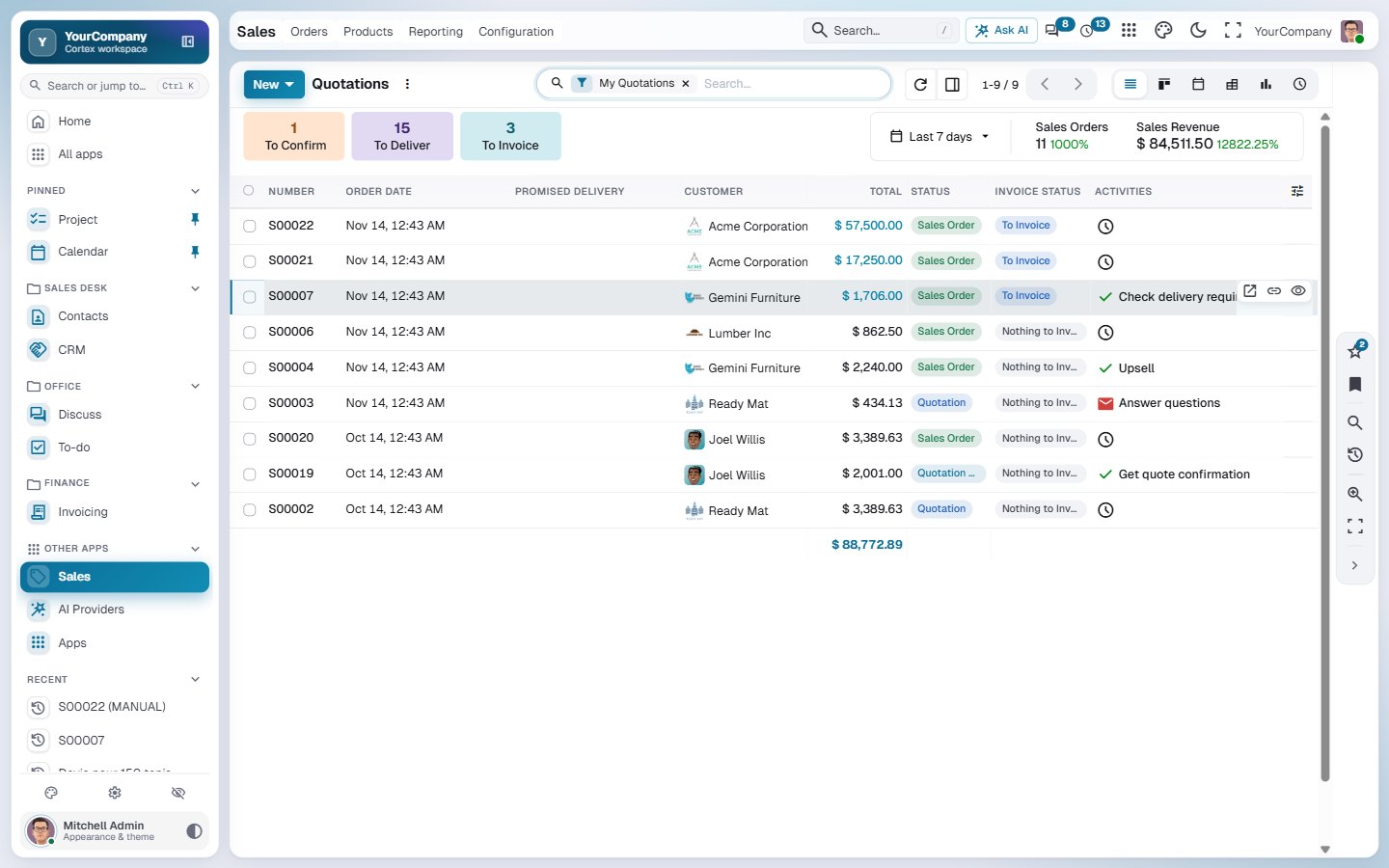
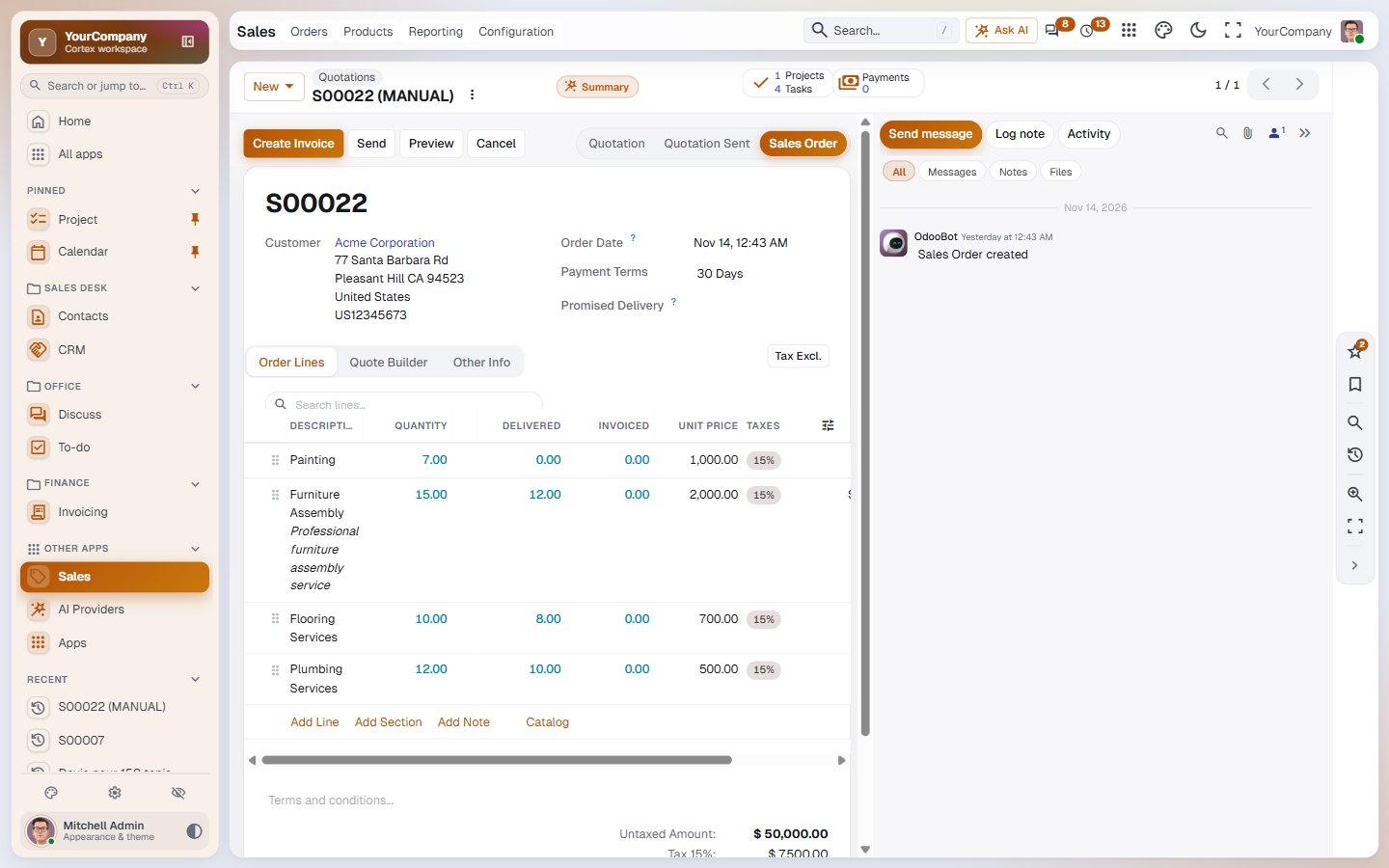
Cortex AI is a backend theme for Odoo Community that changes how every screen looks and works, without touching your data. Open Theme settings, pick a picture card and watch the page behind change live: colors, fonts, corners, sidebar, top bar, forms, lists, kanban, chatter, dialogs and loaders.

AI is built in and optional. Ask your data in plain words, turn a sentence into search filters, get a short summary of any record, let AI design a look from your brand description, or draft a chatter reply. The AI reads Odoo data only as the current user, read-only, through AI Base with your own provider (OpenAI, Claude, Gemini, Grok, Azure OpenAI, Mistral, Cohere, Perplexity or NVIDIA).

Administrators set the company look, lock what users may not change and decide whether people can keep a personal look. White-label branding, a login page designer, custom app icons and workspaces make Odoo feel like your own product.
Screenshots

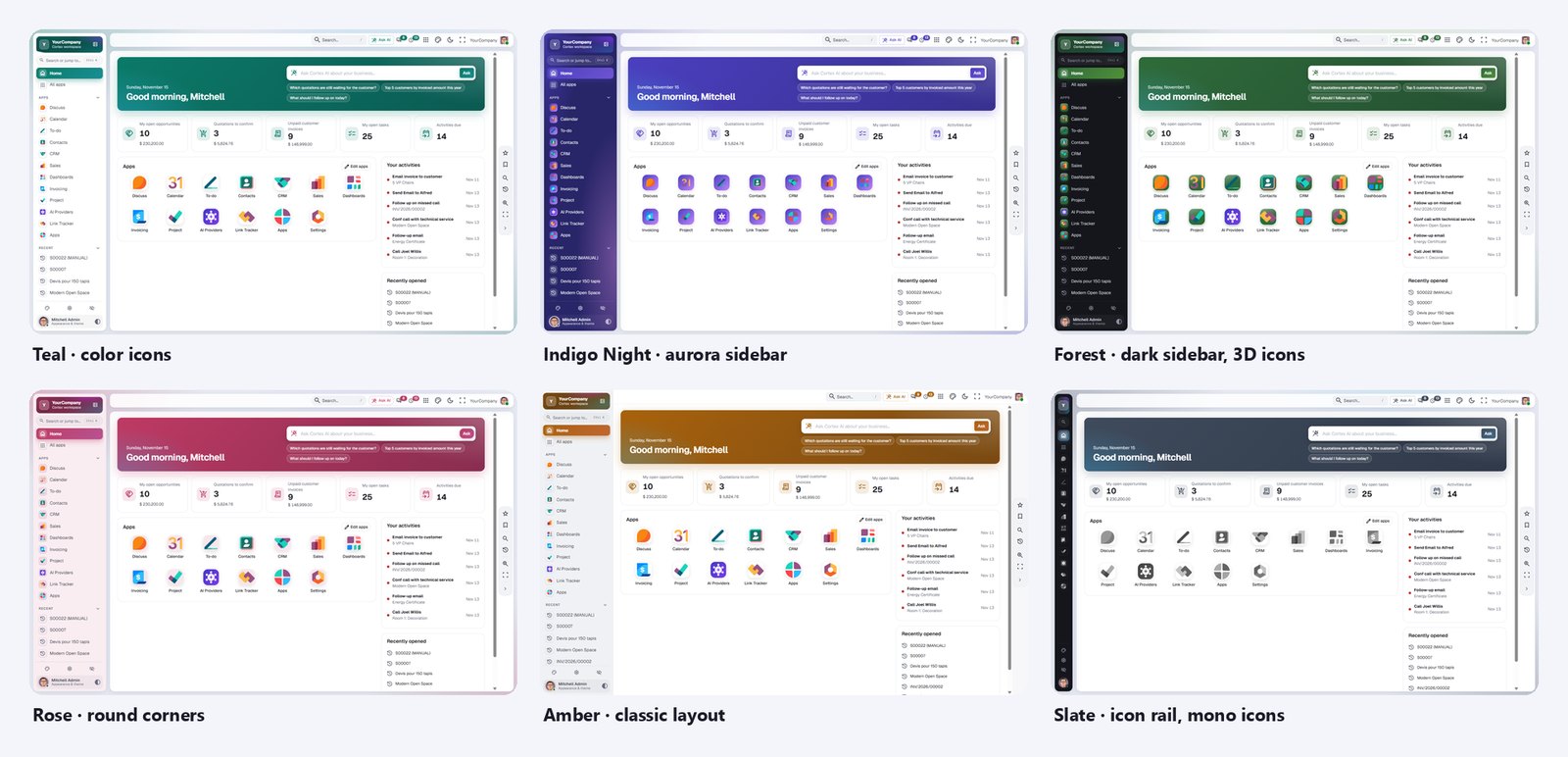
24 presets and any look you want, in one click
Theme settings with a live preview
Theme settings: picture cards with the page behind as a live preview
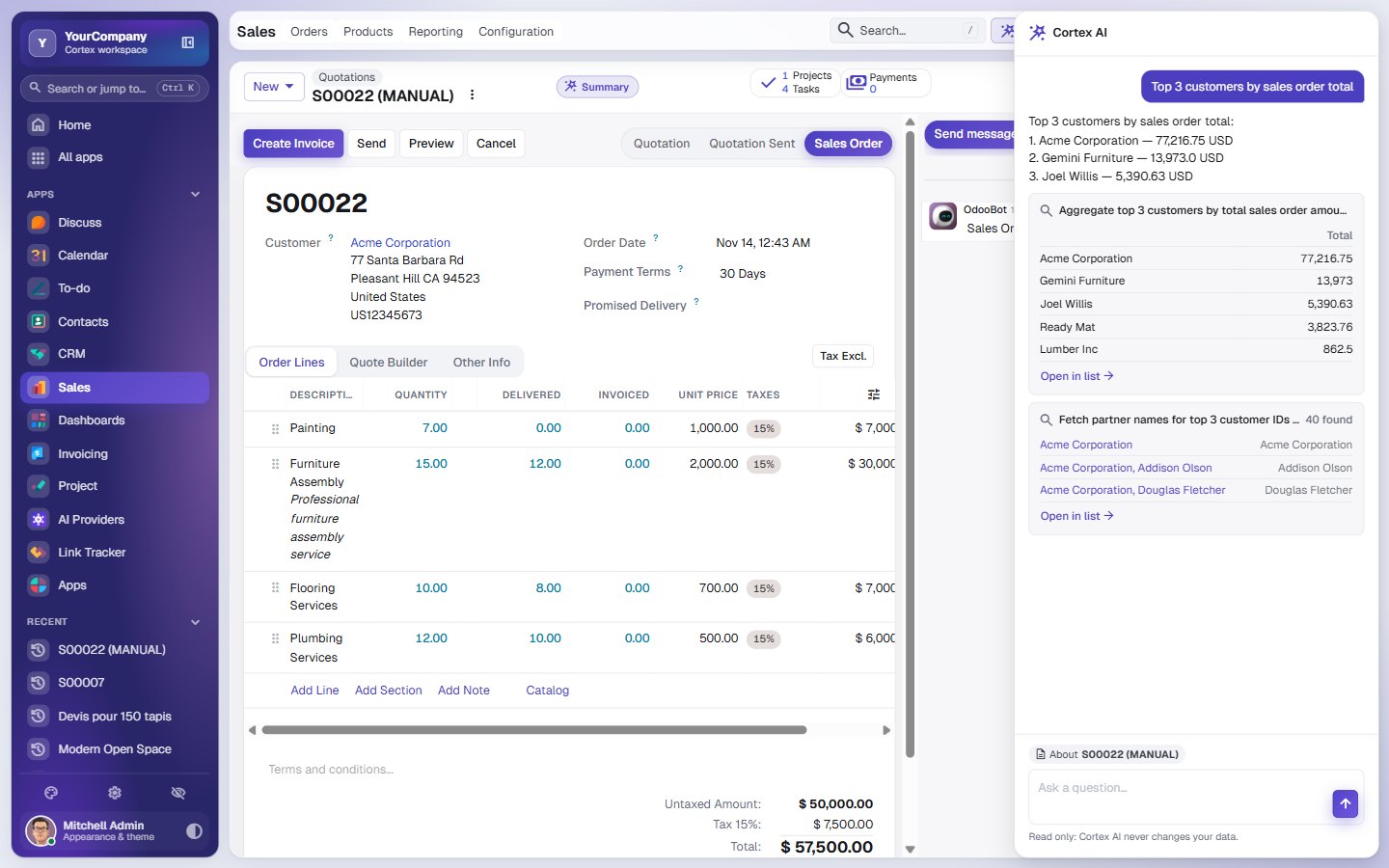
Ask your data in plain words
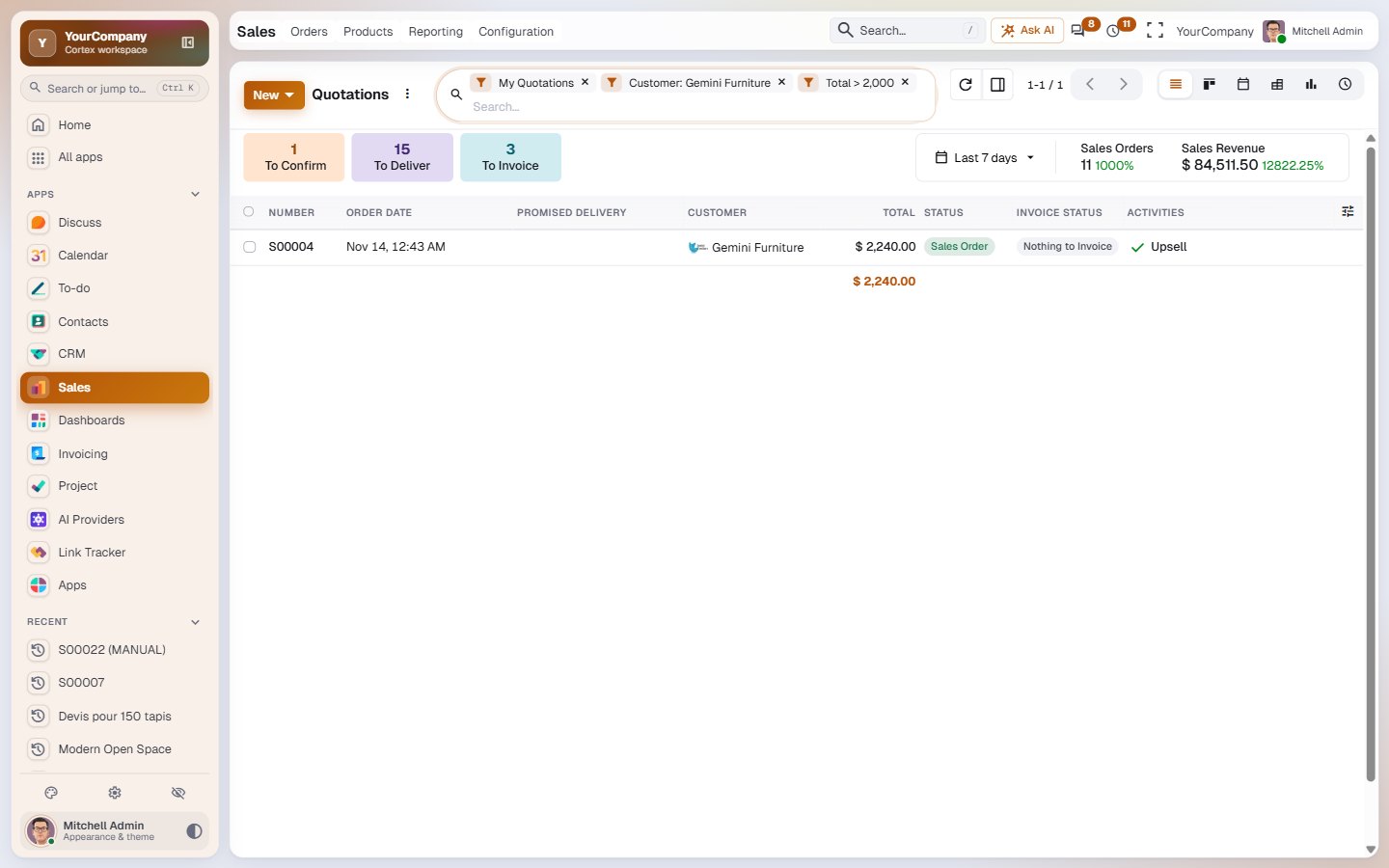
AI smart search turns a sentence into filters
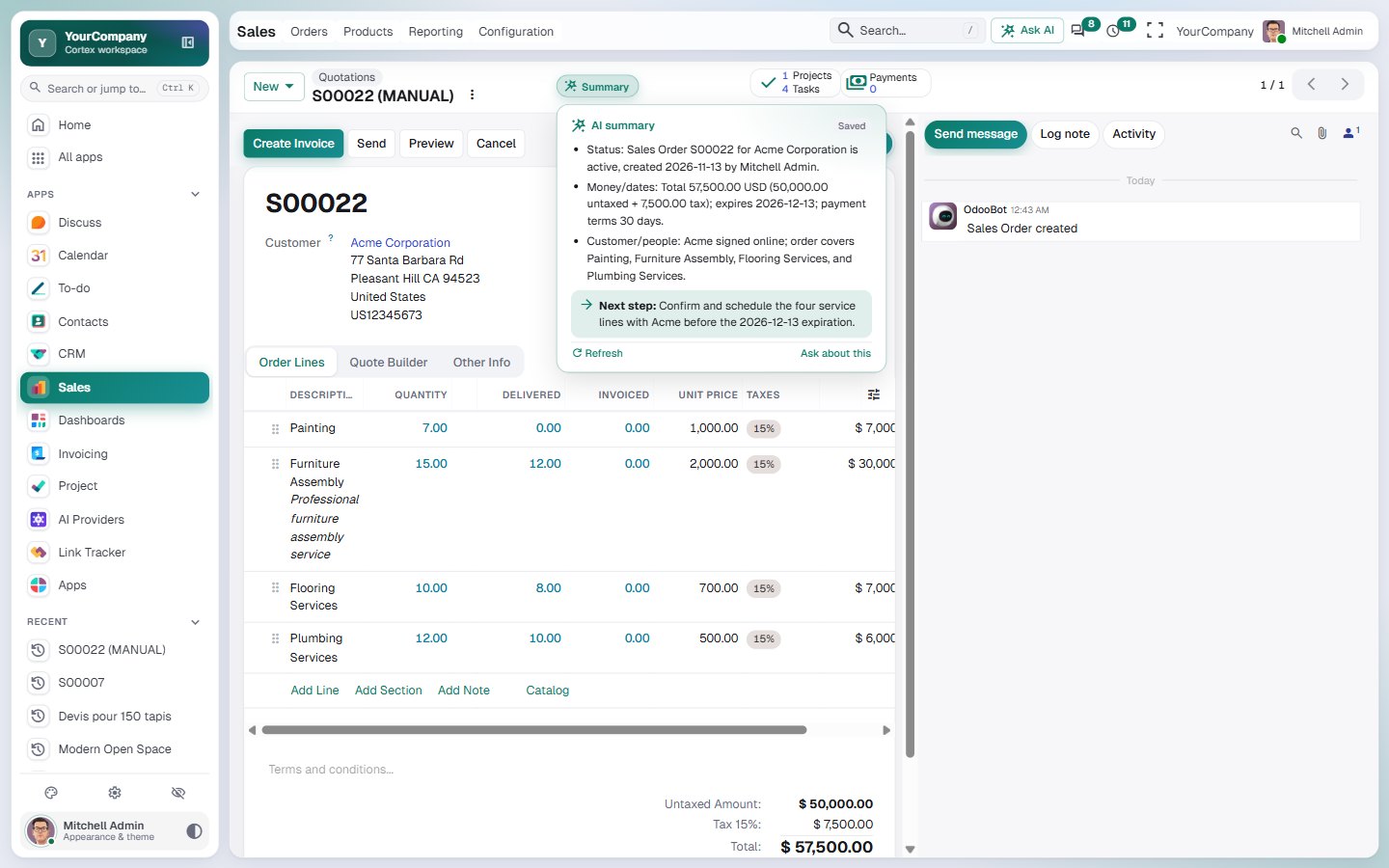
AI summary of a record
AI summary of any record
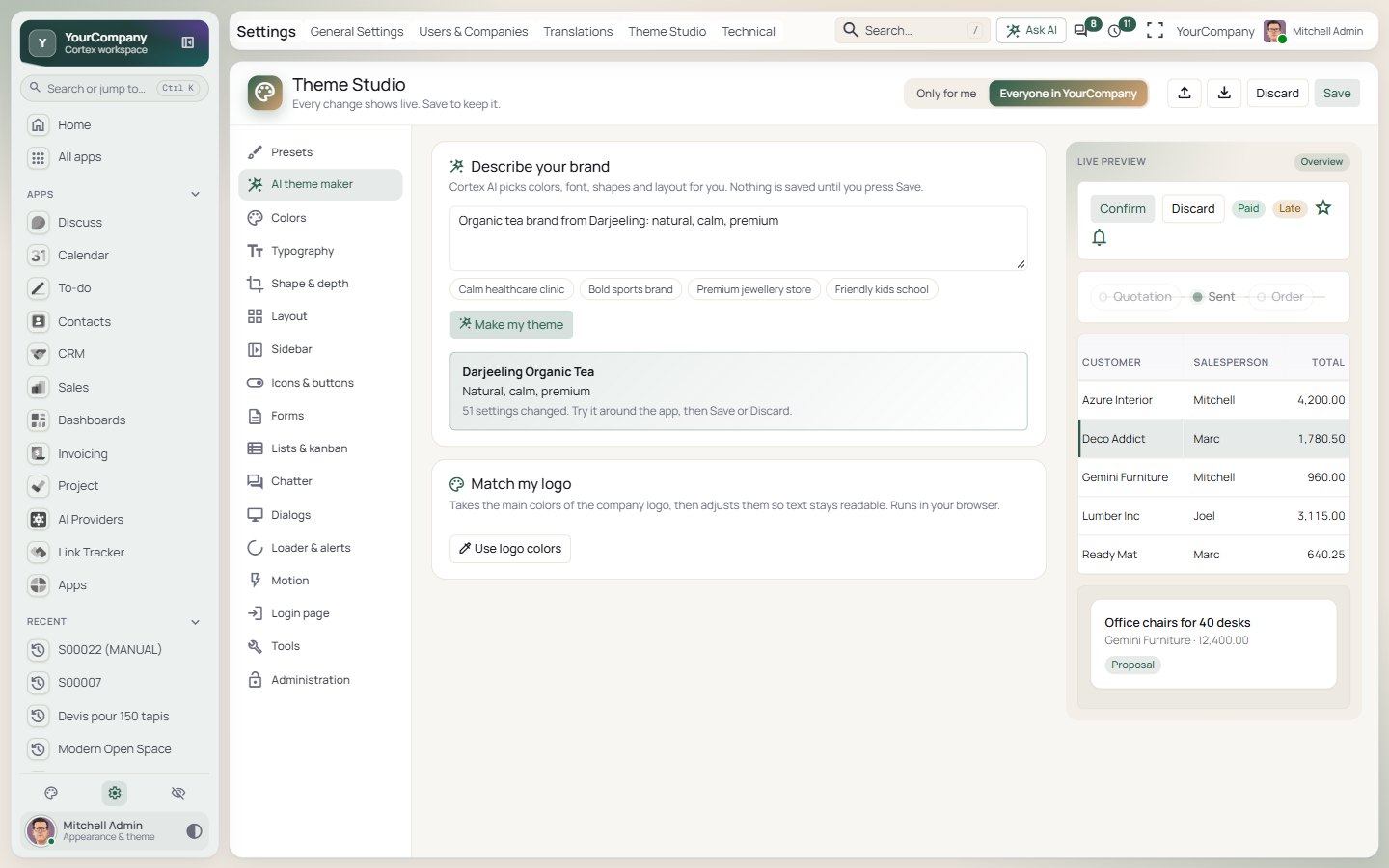
AI theme maker
AI theme maker designs a look from your brand
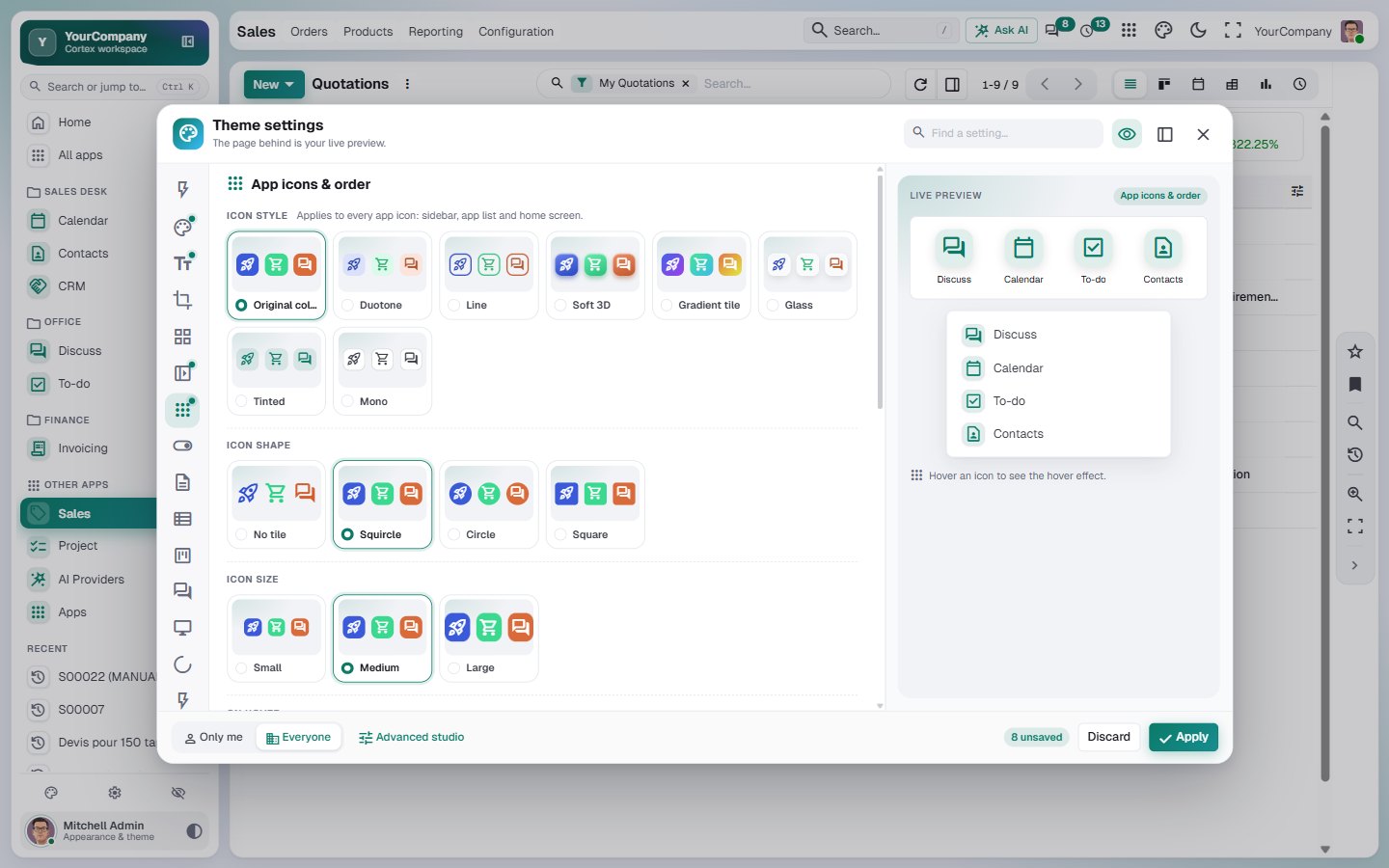
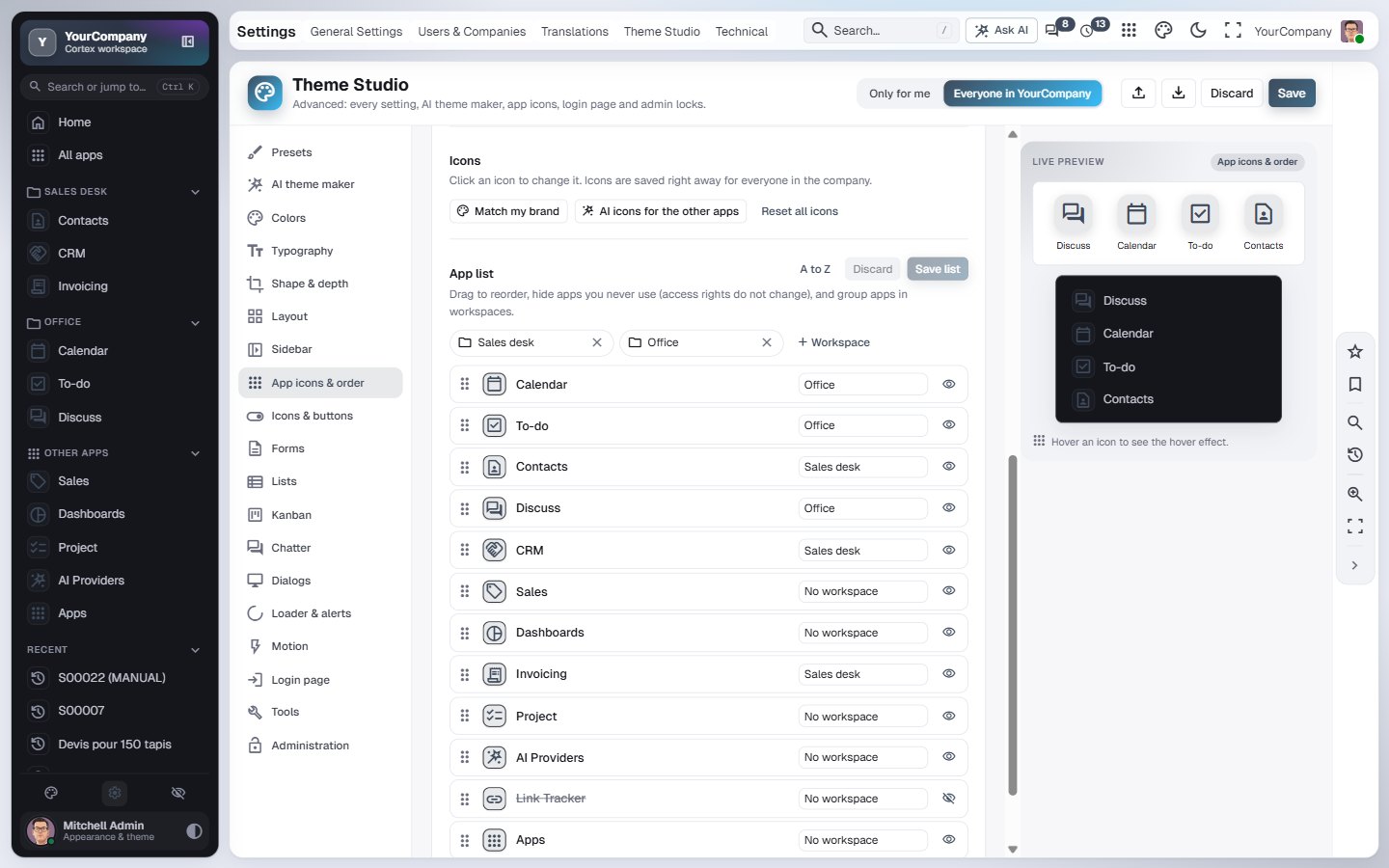
App Icon Studio
App Icon Studio: styles, shapes, symbols and your own images
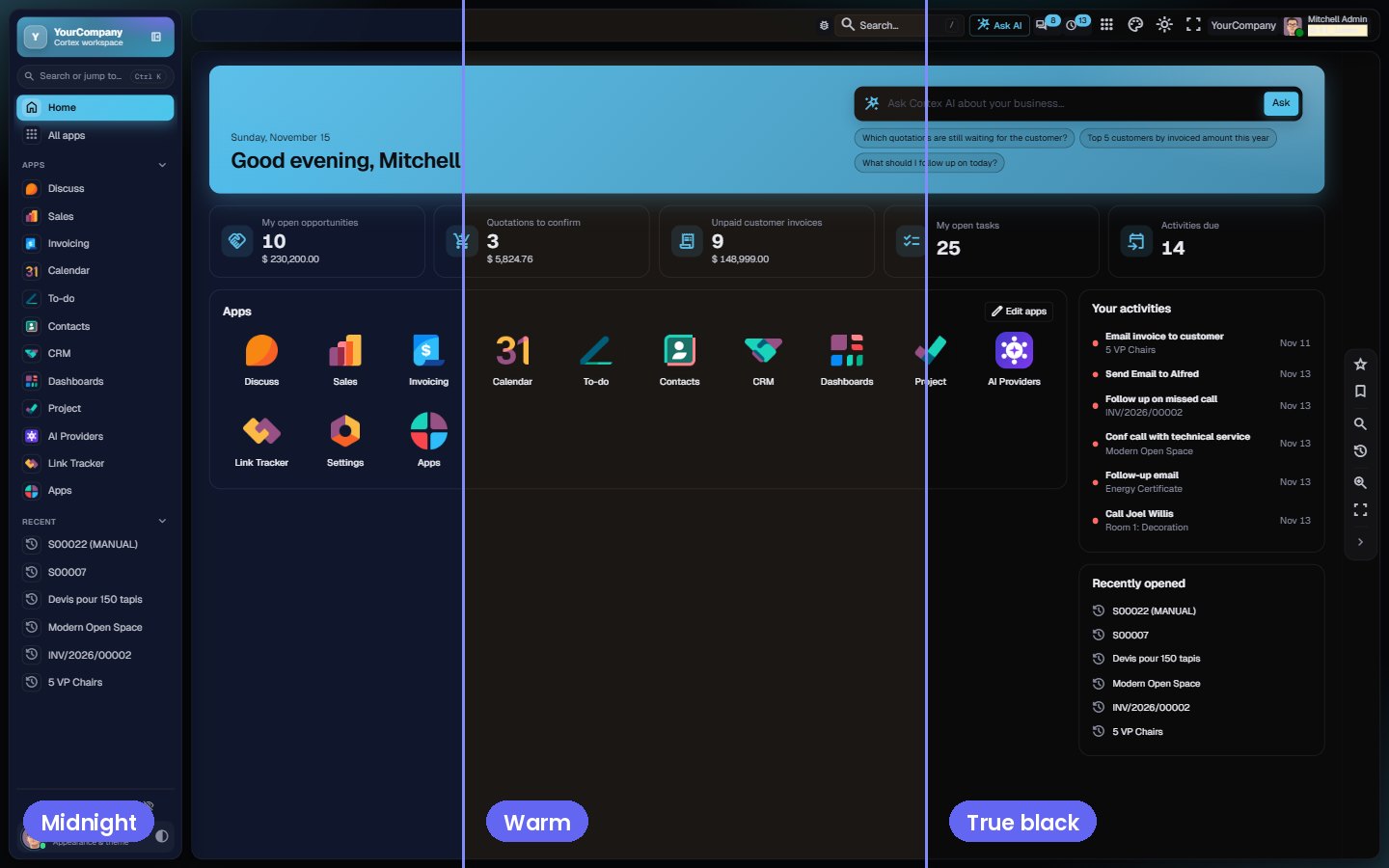
Dark mode with 6 palettes
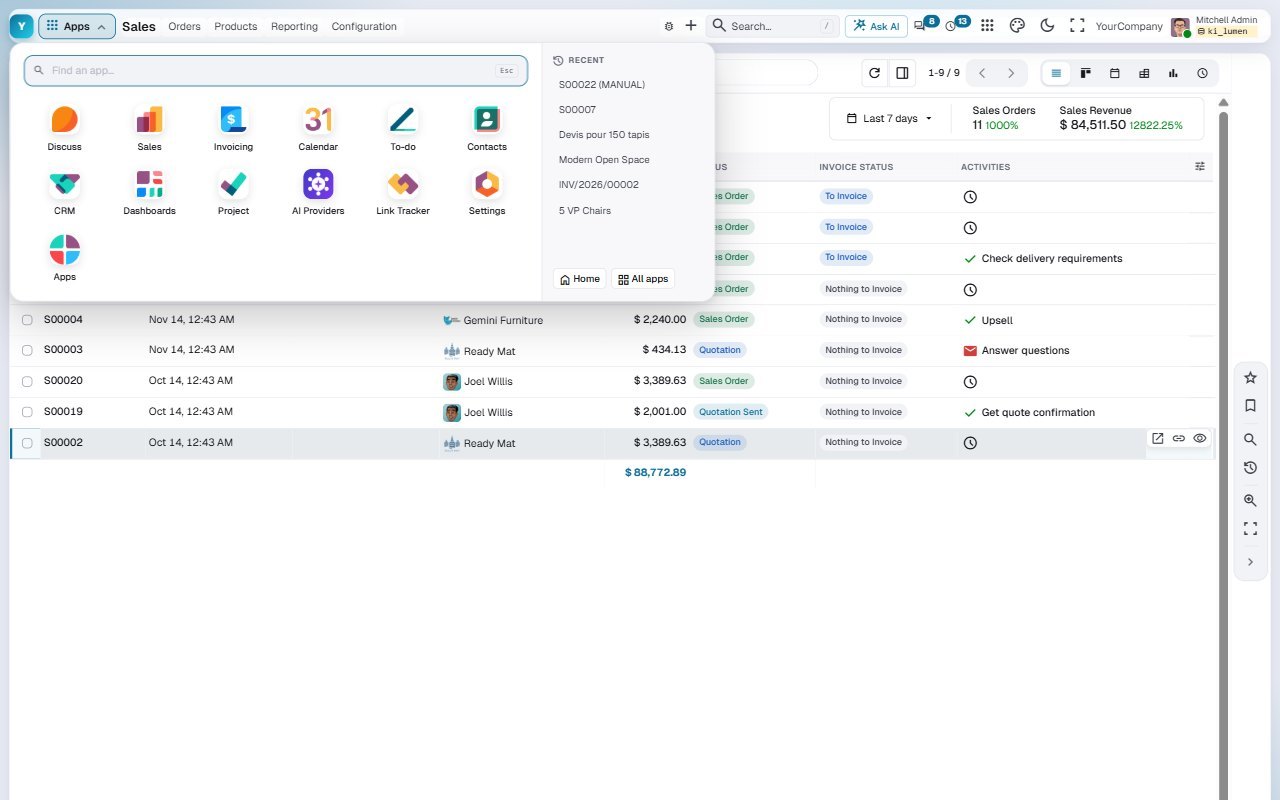
Top menu with an apps mega menu
List kit
List kit: row actions, attachments, split view
Chatter kit
Chatter kit: filter chips, fold and resize
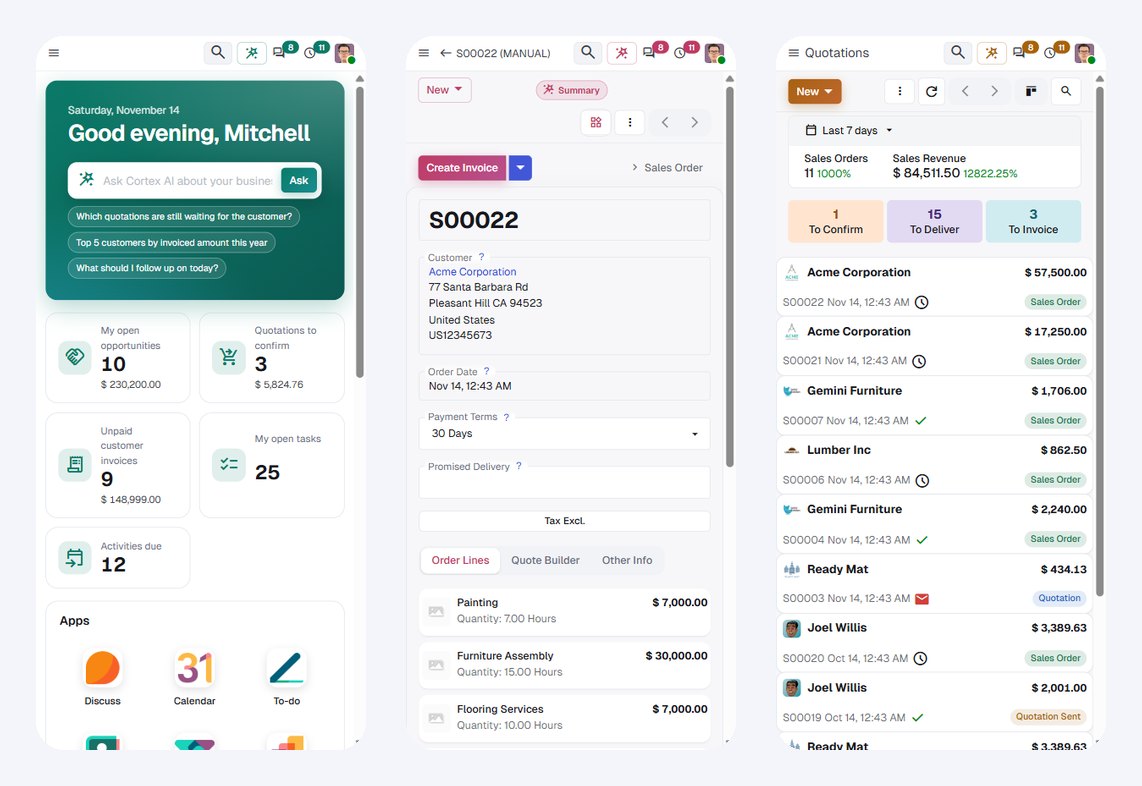
Phone and tablet ready

What it does

100+ settings, live preview

Picture cards for every option, with the page behind as the preview. 24 color presets in one click.

Dark mode with 6 palettes

Neutral, Midnight, Graphite, True black, Warm and Accent tint, plus light, dark or same as device.

Sidebar or top menu

Floating islands, classic, icon rail or a top menu with an apps mega menu.

App Icon Studio

8 icon styles, shapes, sizes and hover effects, your own symbol or image, and Match my brand in one click.

App order and workspaces

Drag and drop apps, hide the ones you never use, group apps into workspaces.

AI assistant

Ask your data, AI smart search, record summary, AI theme maker and AI draft reply. Optional, read-only, your own provider.

View kits

Row actions, split view, quick look, attachment column, kanban quick view and column load, unsaved changes guard.

Chatter kit

Message, note and file filter chips, fold and resize, compact mode.

Work faster

Quick dock with bookmarks, global search, recent screens switcher, quick create, print preview and focus mode.

Brand it

App name, tab icon, company logo, hide Odoo branding, login page designer and 12 dialog opening animations.

Company and personal looks

Admins set the company look, lock groups of settings and allow or block personal looks.

RTL, phone and tablet ready

Arabic, Hebrew, Persian and Urdu layouts, phones and tablets.

Setup

  1. 1

    Install the theme

    Install ki_cortex_theme (and AI Base, installed with it) on your Odoo database.

  2. 2

    Pick a look

    Open Theme settings from the user menu, choose a preset or any picture card and press Apply.

  3. 3

    Set the company look

    Administrators open Theme Studio to set the look for everyone, lock settings and design the login page.

  4. 4

    Turn on AI (optional)

    Add an AI provider in AI Base and switch on Cortex AI in Settings, then choose which data the AI may read.

What you need

  • Odoo 18.0, 19.0 or 20.0 Community (self-hosted or Odoo.sh)
  • AI Base (ki_ai_base), installed with the theme
  • An AI provider API key only if you use the AI features

Good to know

  • Odoo Community only: Odoo Enterprise is not supported by this edition.
  • Odoo Online (SaaS) is not supported: third-party themes need Odoo.sh or your own server.
  • Right-to-left layouts need the rtlcss tool on the server, as for Odoo itself.

Questions

Does it work on Odoo Enterprise?

No. This edition is made for Odoo Community 18.0, 19.0 and 20.0. An Enterprise edition is planned separately.

Do I need an AI provider?

No. Every theme feature works without AI. The AI features appear once you add a provider in AI Base and turn Cortex AI on.

Can the AI change my data?

No. It reads data only as the current user, read-only, and never sends anything on its own. Drafts and filters are shown for you to use.

Can each user have their own look?

Yes, if the administrator allows personal looks. Admins can lock any group of settings for everyone.

Does it slow Odoo down?

No. Settings are applied as CSS and heavy animations only run on hover; Motion can be reduced or switched off.

Buy directly, book a demo or ask a question

Buying from us directly suits invoices in your company's name, several databases, or help with installation. We reply with a quote within one business day.

We reply by email within one business day. See our privacy notice.

More apps